BlockStacking
About the Game
Welcome to the world of Block Stacking. This production, woven with classic block placement mechanics, offers an experience that is both relaxing and mind-blowing. You will lose track of time while trying to clear the screen by placing the blocks in the right places.
Why Is This Game Fun?
Simplicity always wins. You just focus on your move without dealing with complex systems.
Every move is a moment of decision. One wrong block placement can ruin your entire strategy in an instant.
Action Dynamics and Strategy
When the screen starts to fill, the adrenaline level suddenly rises. At this point, it is necessary to remain calm and find the most empty space.
Play it slow. There is no rule that the fast one wins, the careful one wins.
Graphics and Design
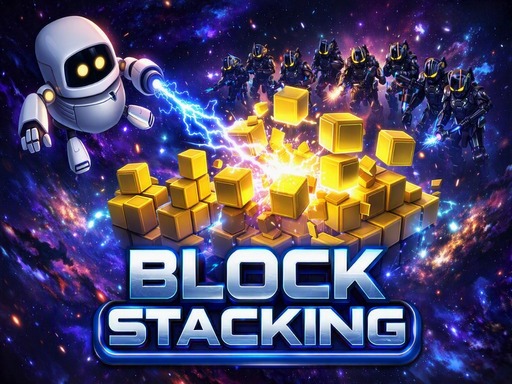
It has a simple interface decorated with a space theme. Thanks to the colors that do not tire the eyes, you will not get bored even if you stay in front of the screen for hours.
It is satisfactory that the blocks fit together perfectly. Designers avoided unnecessary details that would distract the player.
Highlights
It combines a classic puzzle experience with updated touches. Simple mechanics are easy to learn, but mastering them requires serious patience.
The progression system is entirely based on skill. It's fun to break your own record while chasing a high score.
Start stacking your blocks and see how long you can last!
How to Play
Your aim in the BlockStacking game is to completely fill the horizontal rows by strategically placing blocks from above or already available on the grid. Each row you complete disappears, making room for you and earning you points. Instead of leaving blocks randomly, you should carefully fill in the gaps. If the screen fills up, the game is over. Proceed with classic logic, choose the right blocks and focus on reaching the highest score by always keeping the board clean.
Game Image
Game Info
- 👨💻 Developer: PhongChill
- 📐 Size: 1920x1080
- 📱 Mobile: Yes
- 📅 Added: 03.08.2026
Controls
- ▶ To select and place blocks, you can use the left mouse button or drag and drop with your finger on touch screen devices